Develop a circuit board – ESP32-C6 update 1
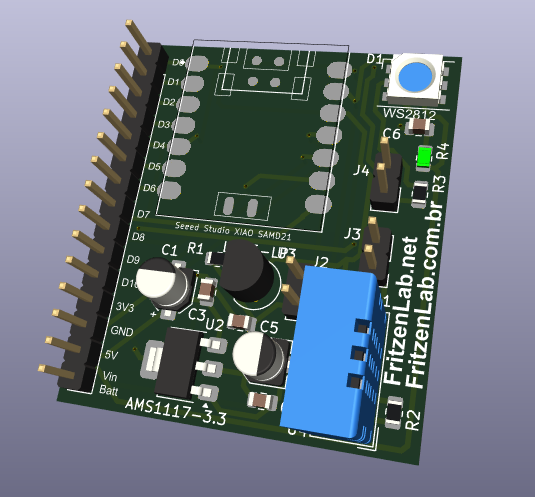
Let’s give a update on developing a circuit board – ESP32-C6 WiFi. It may feature sensors (DHT11 and LM35) and a WS2812 LED
Let’s give a update on developing a circuit board – ESP32-C6 WiFi. It may feature sensors (DHT11 and LM35) and a WS2812 LED
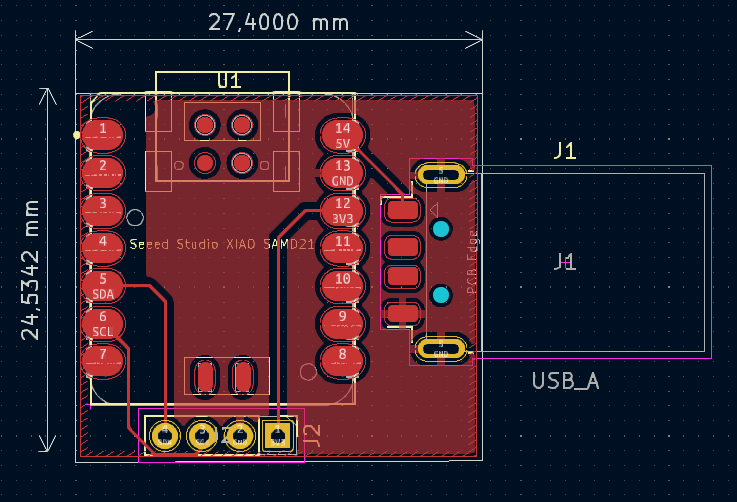
I am starting the project of a minimalist USB thermometer with ESP32, based on the Xiao ESP32-C6 WiFi chip. The sensor is connected via i2c.
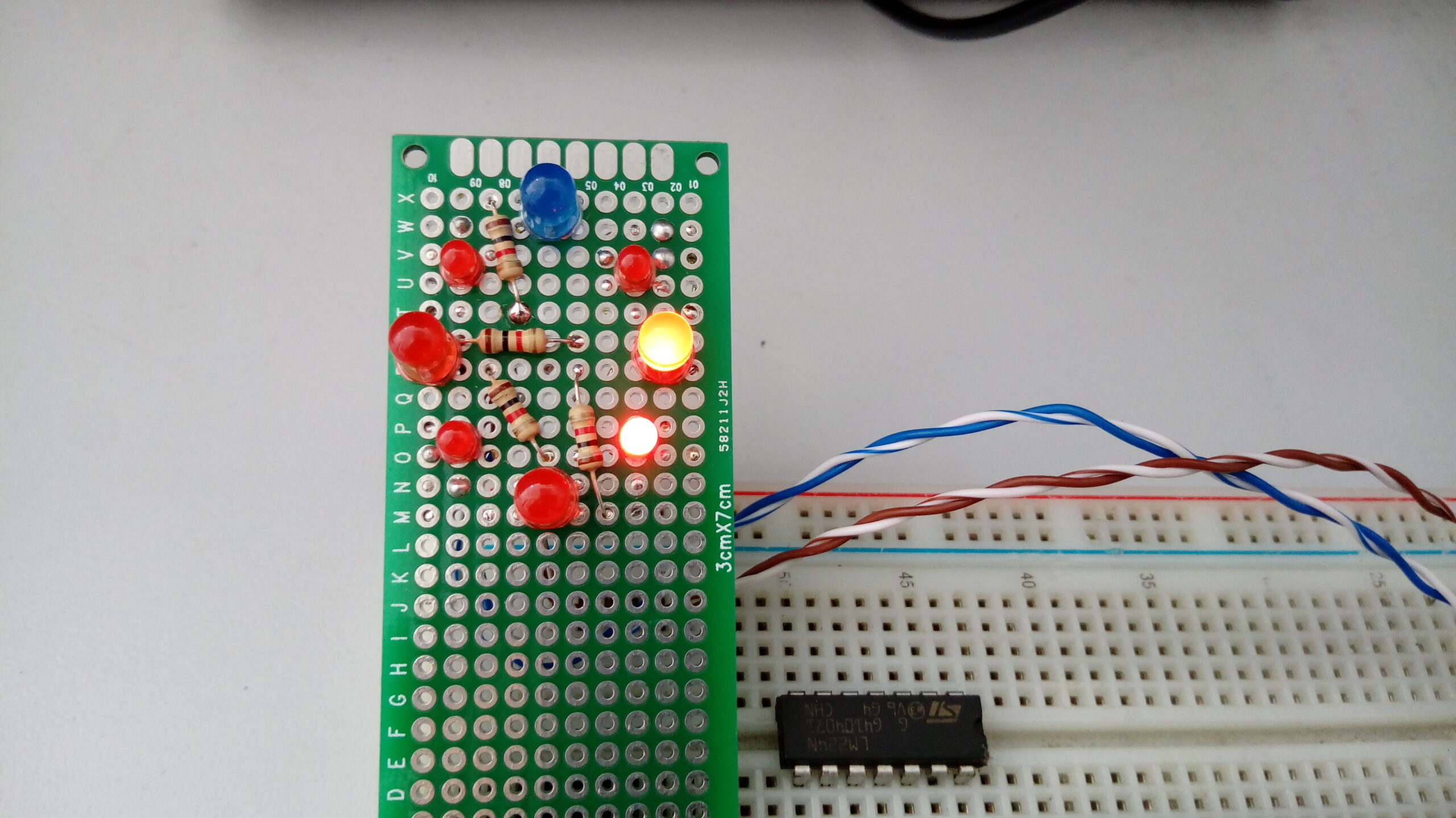
Learn how to implement a charlieplexing with 8 LED’s and only 4 pins of Arduino

Hello and welcome back to the FritzenLab blog, about electronics and embedded systems
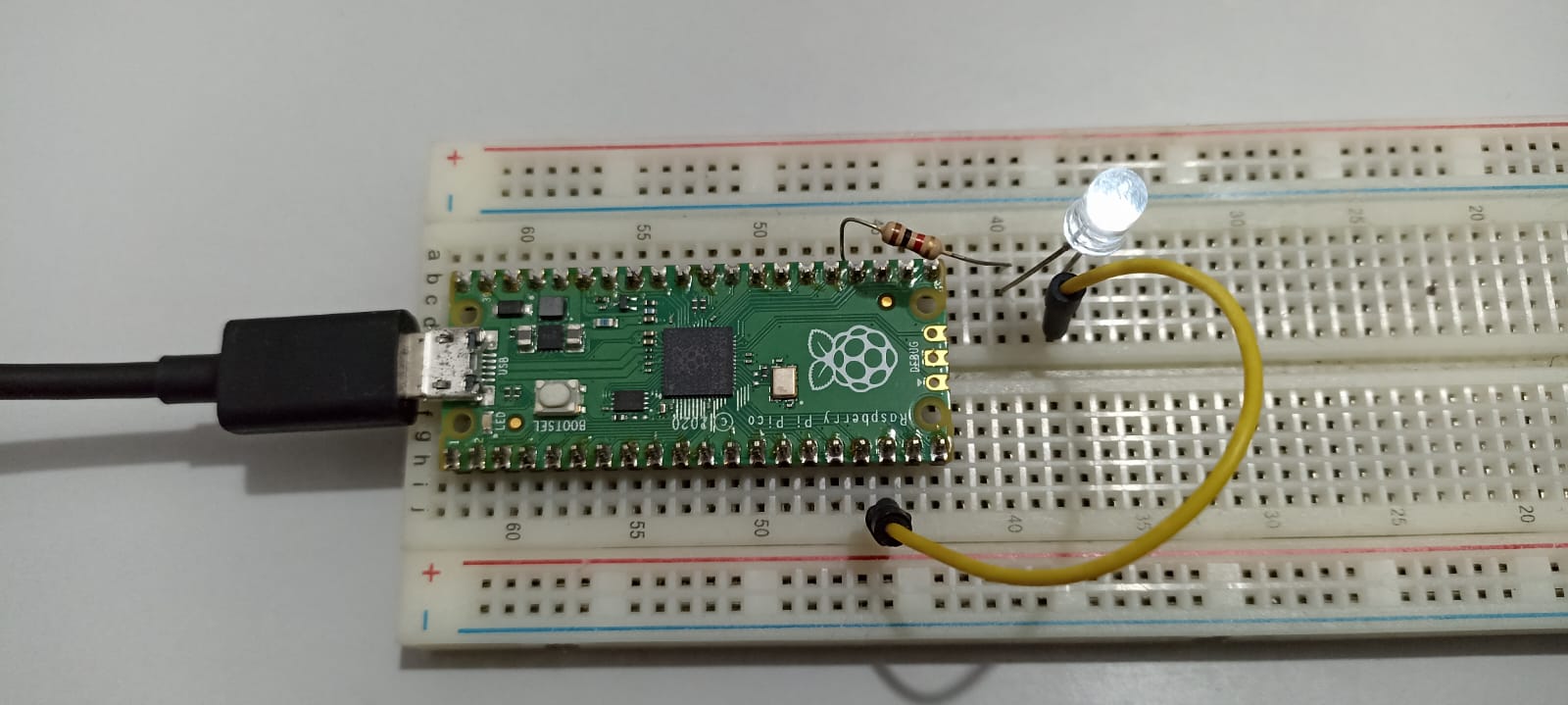
What I did when I bricked my Raspberry Pi Pico? There is a simples workaround that involves a UF2 file and the BOOTSEL button
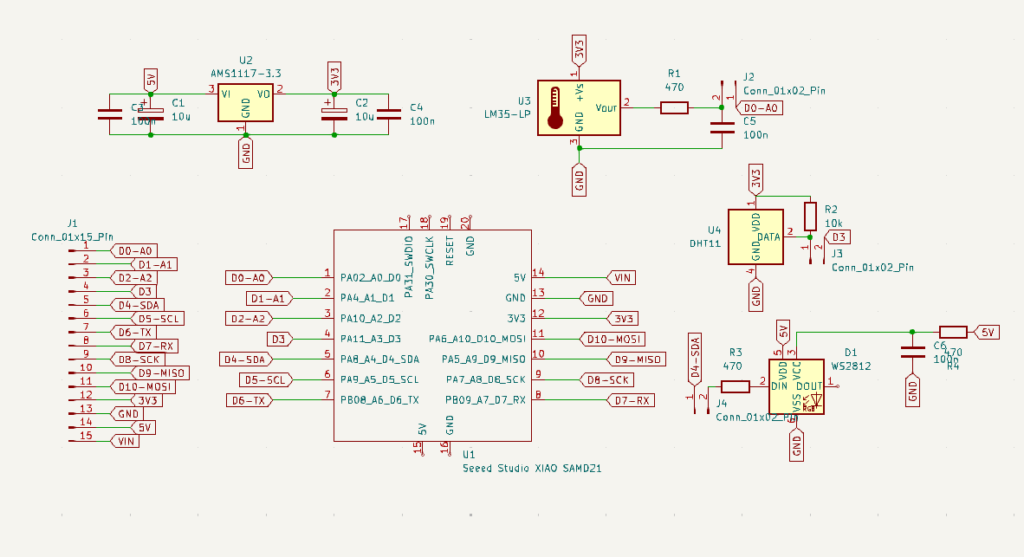
Update on how to develop a circuit board with ESP32-C6, using Kicad and featuring sensors link DHT11 and LM35, also a LED RGB WS2812

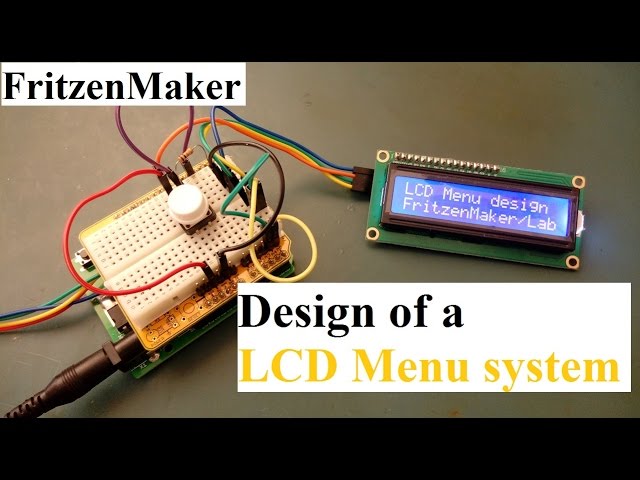
Let’s dive in an learn about functions for better Arduino code. These are useful and powerful structures in Arduino code

Do you know the new Raspberry Pi Pico 2 with RP2350? it is a dual core ARM or RISC-V microcontroller packed with features, let’s figure
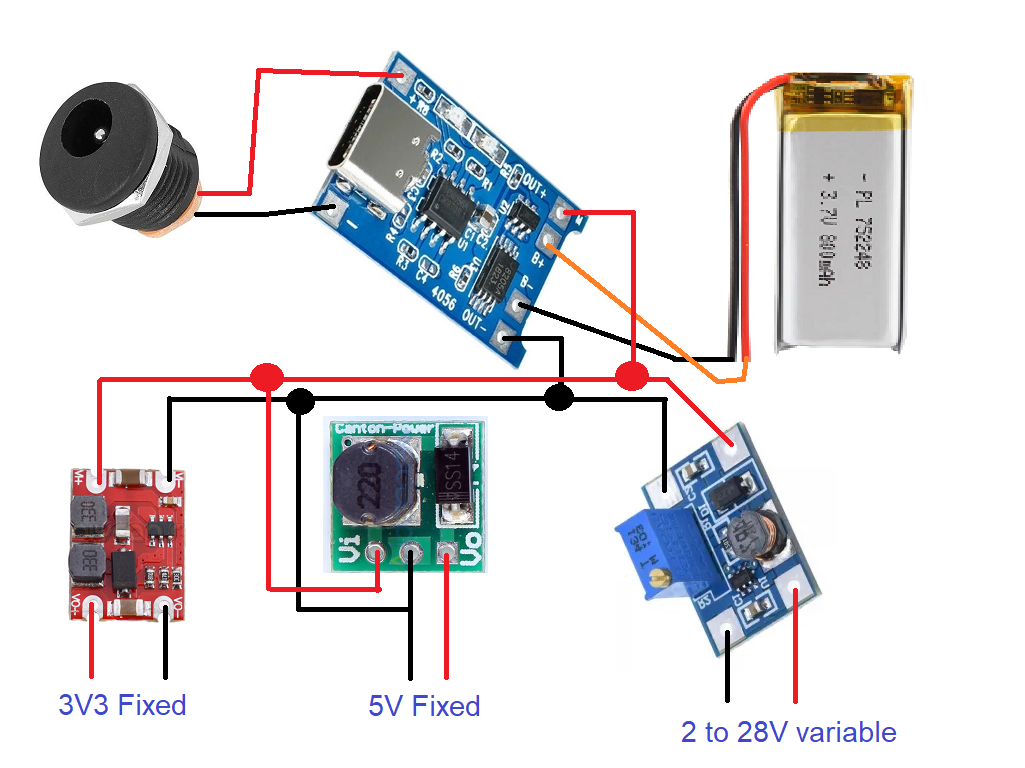
Let’s dive in and learn how to power Arduino and ESP32 with batteries, using a few Aliexpress modules on the way. All safe and sound.
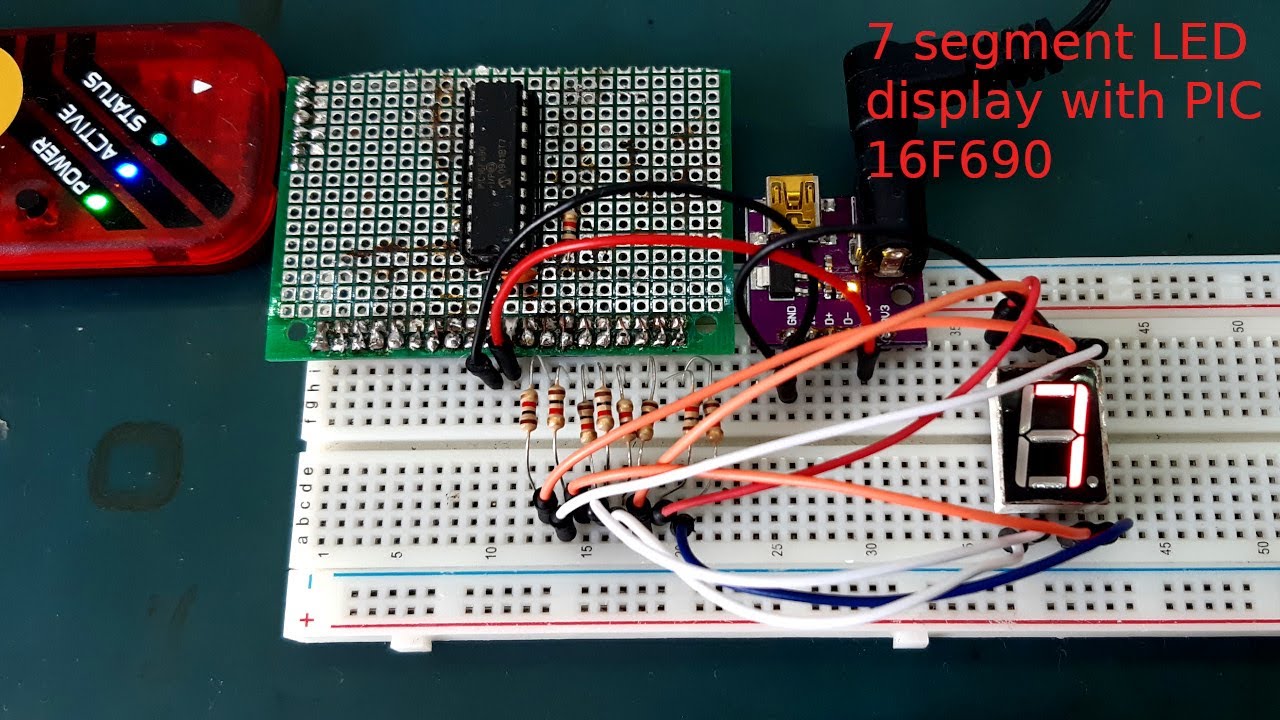
There are four videos on how to use PIC16F690 microcontroller with MPLAB X IDE

I will show you how to implement an Algorithm to LED blink with microPython, using the Raspberry Pi Pico 2 and Thonny IDE.
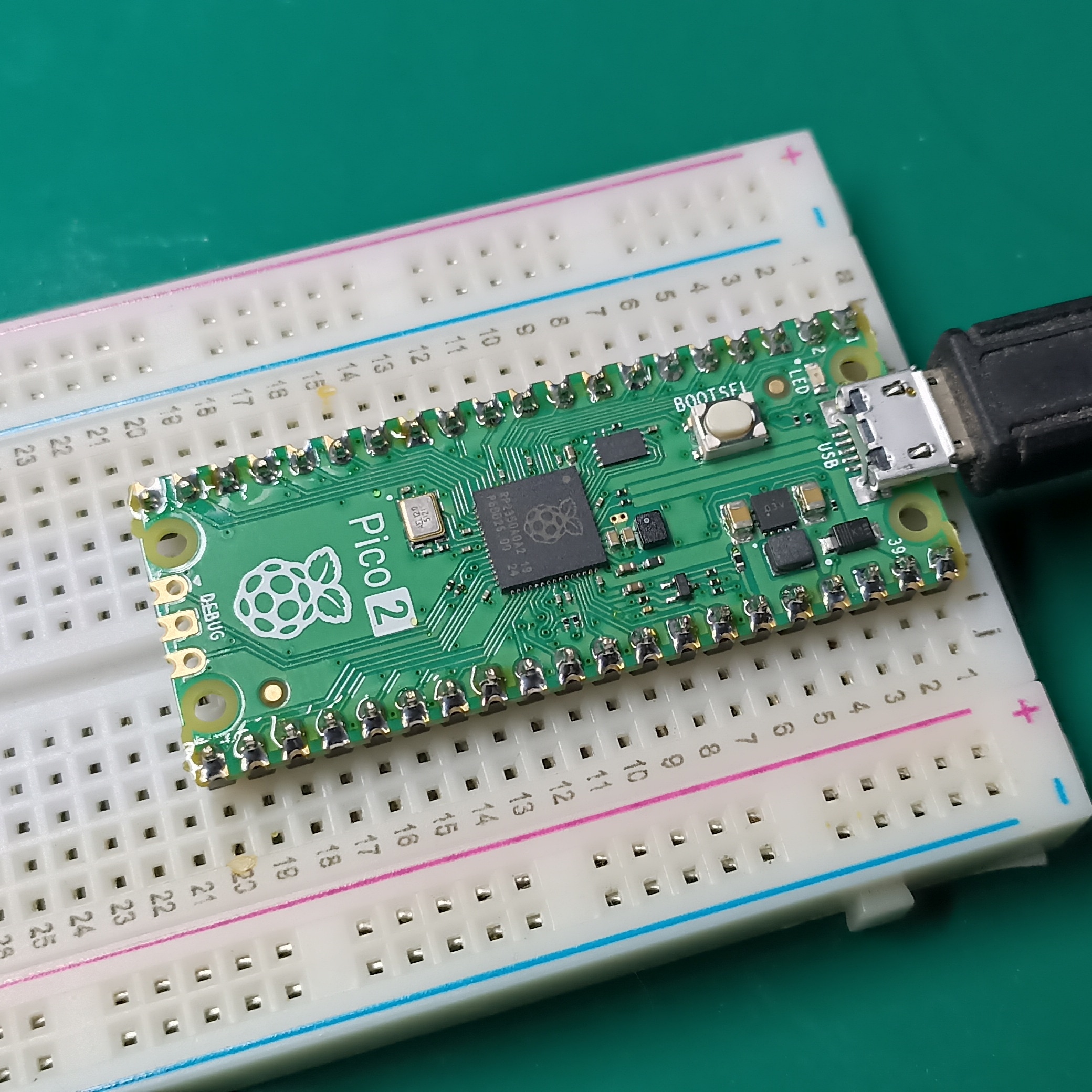
This article is about getting started with Raspberry Pi Pico 2, the new foundation’s silicon and circuit board
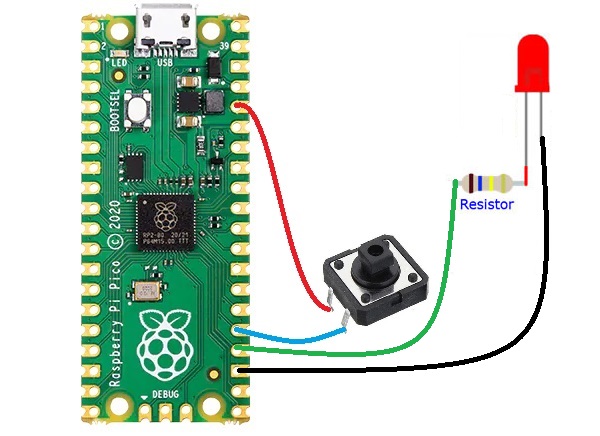
We will see in this article how to Read a button with Raspberry Pi Pico and microPython, using its internal pull-down function
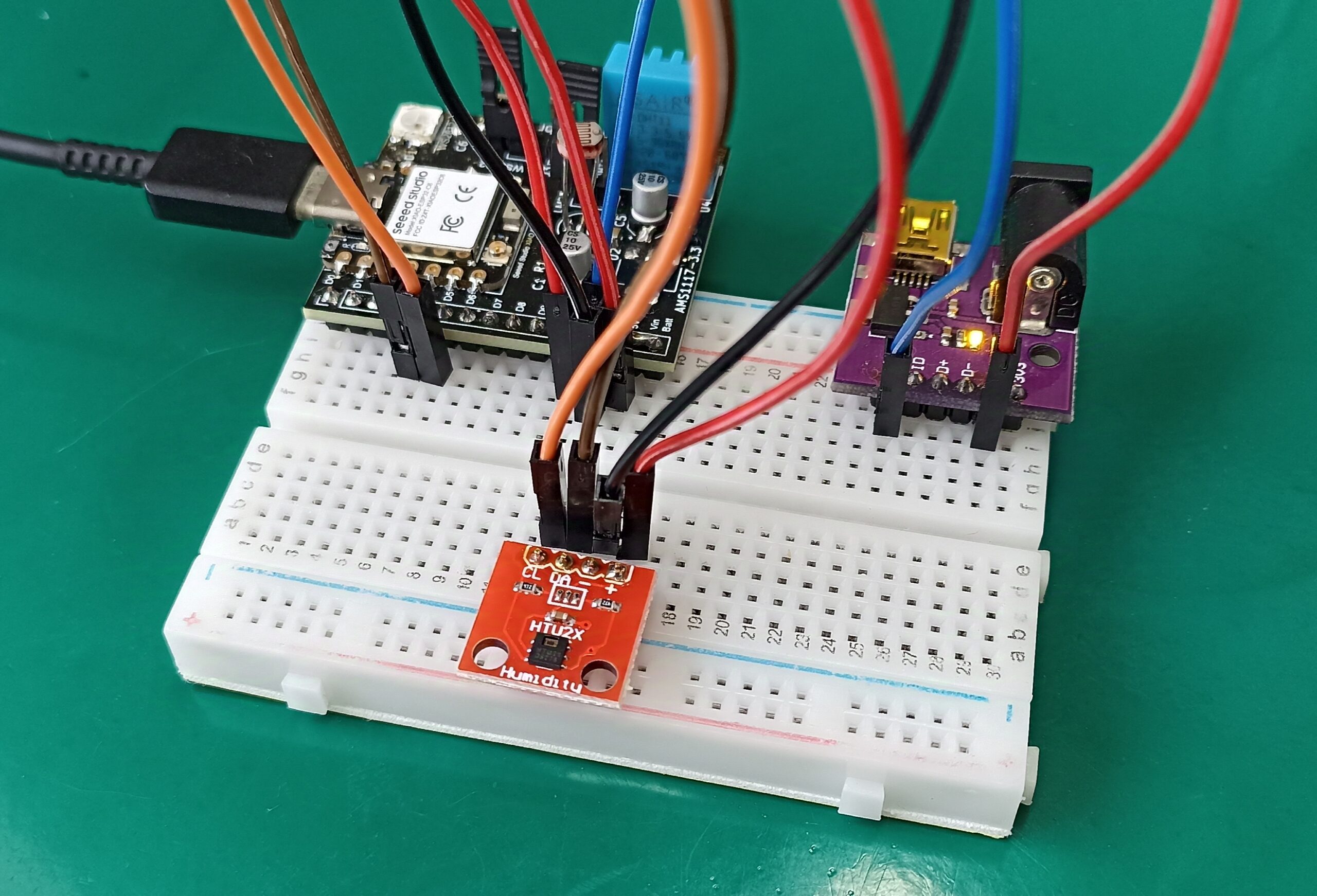
We are going to implement code for using the HTU21D temperature sensor with ESP32. This is an i2c temperature and humidity sensor.
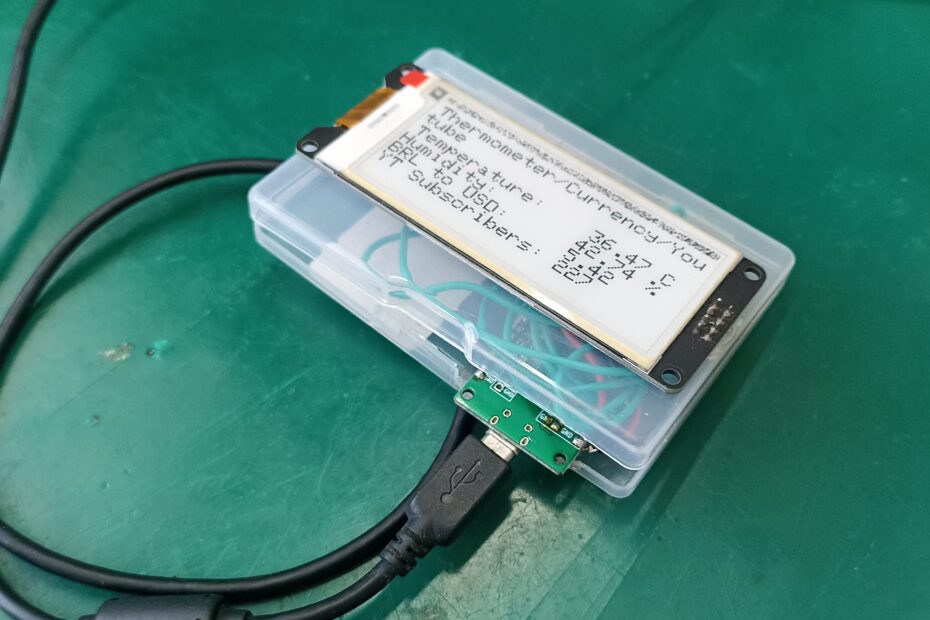
Let us make an e-paper display gadget with ESP32 and Arduino code. It will feature a SHT21 temperature and humidity sensor and currency conversion (you pick which one). Also there will be an Youtube subscriber live counter.
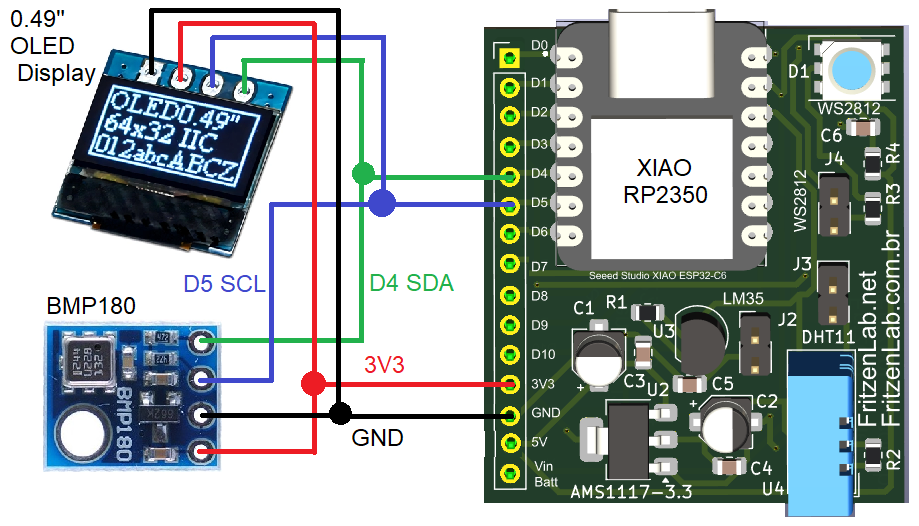
Have you ever had the need to use the BMP180 sensor with MicroPython? this post is for you. We will use a RP2350 microcontroller.
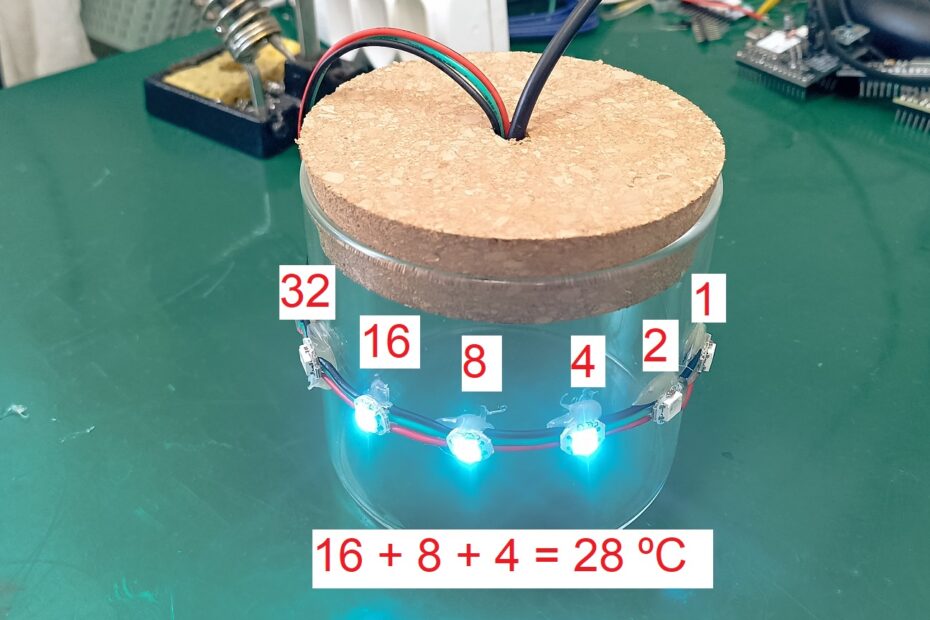
We will implement a decorative WiFi binary thermometer, using WS2812b LEDs and an ESP32. Temperature in degrees Celsius will be shown in binary format in six RGB addressable LEDs.
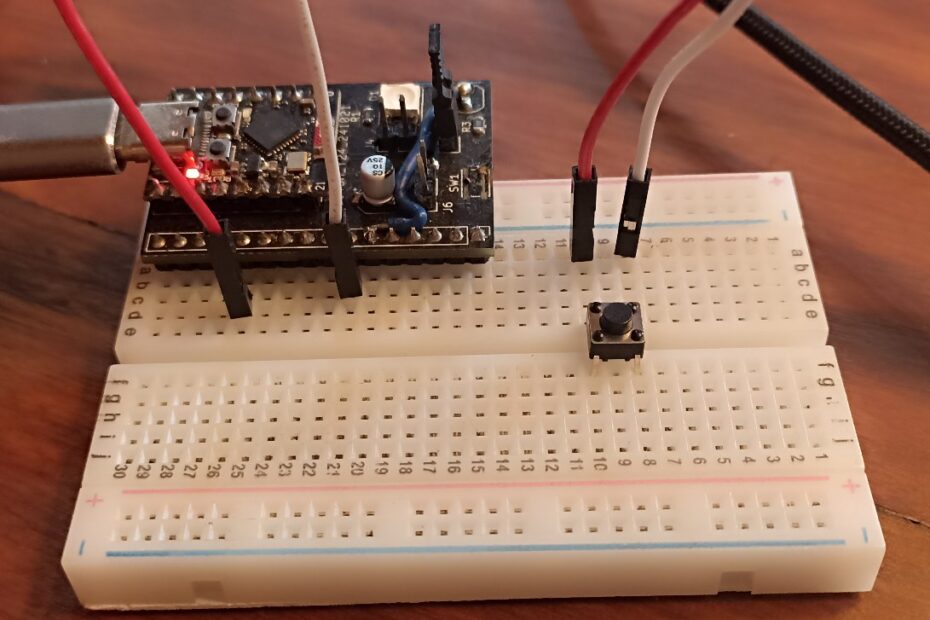
In this post we will implement an one button Arduino game, using exactly one button, one ESP32 and Arduino IDE. The ideia is to implement a game that I call “one second game”.
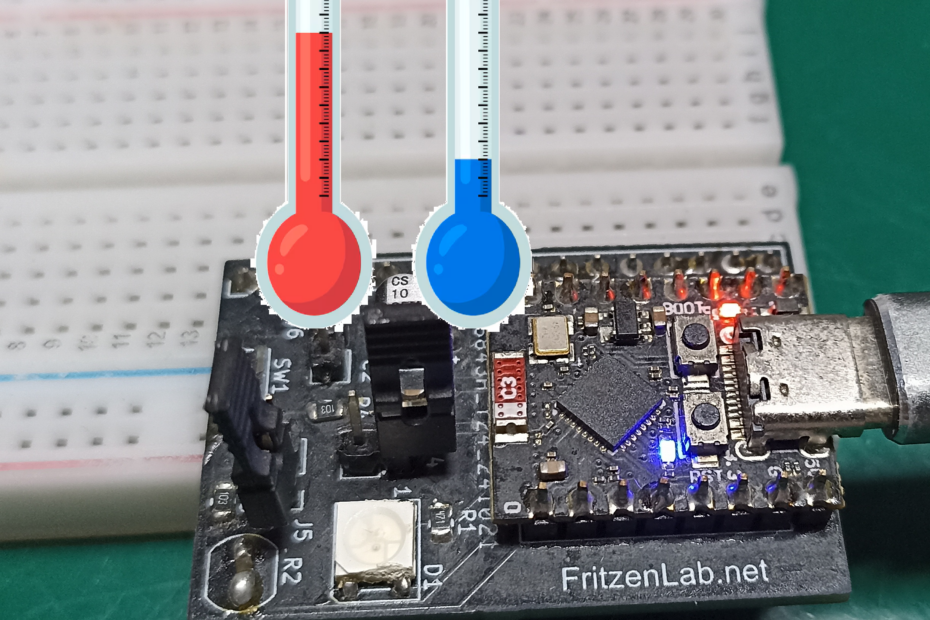
ESP32-C3 has an internal temperature sensor, readable via Arduino code. All you need is a bit of code and the Arduino IDE serial monitor.