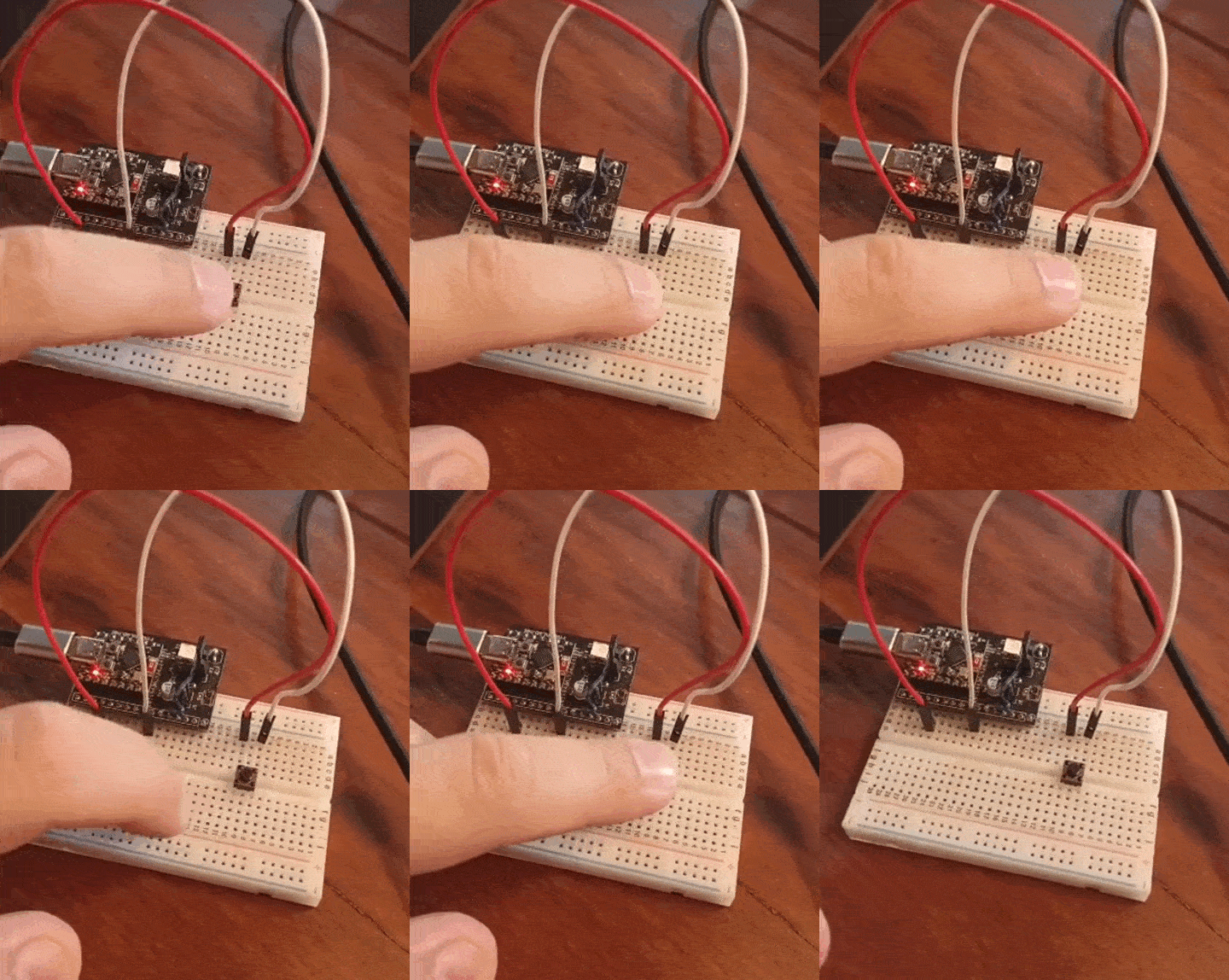
In this post we will implement an one button Arduino game, using exactly one button, one ESP32 and Arduino IDE. The ideia is to implement a game that I call “one second game”. It consists of a single push button and two button presses: the first starts a counter and the second has to happen exactly after one second from the first.
When you press the push button for the first time, a counter starts but is not shown on screen. You have to correctly guess when exactly one second have passed, then press the button again. You win if you press the push button within the 0.95 to 1.05 seconds range. That is a 5% margin up and down. If you press the push button faster than 0.95 seconds or slower than 1.05 seconds, you lose.
If you press the push button then leave the game for more than two seconds, it resets. So a valid pressing guess must happen within two seconds. Pressing the push button faster than 0.5 seconds apart does nothing, so you have an effective window of 0.5 – 1.99 seconds to play.

Either way, pressing the push button a second time or not pressing at all, the game will come to an end after two seconds. It will just restart and wait for the first press again. At this time there is no interface like a display or anything. You have to connect the ESP32 board to a computer and either open the Arduino IDE or a terminal like Putty.
Inspiration
I have been searching online for “one button game Arduino” and was not able to find many examples. What I found was this nano console and this tentative of a snake game. Generally one needs more than one button to control any sort of game. In our case all we need is really a single button. This is since the only control necessary for our game is start/stop.
A slightly more complex game that is playable with one button is the likes of “flappy bird”. That is the game that made de rounds years ago as one of the most modern and enjoyable games of the time. During the development of this game I had a great time myself playing it. It was of course to “adjust and calibrate it”, not to have fun hahahahaha.
Hardware
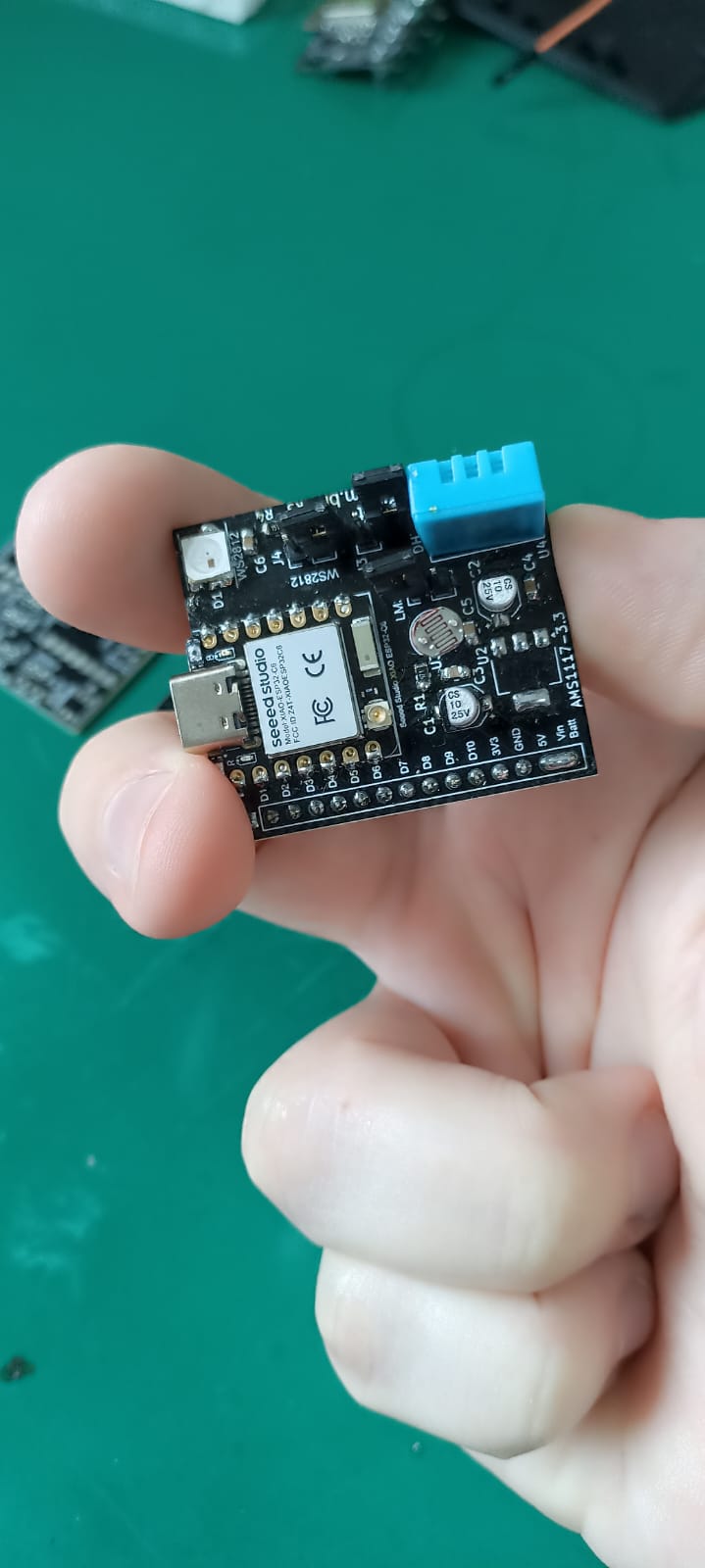
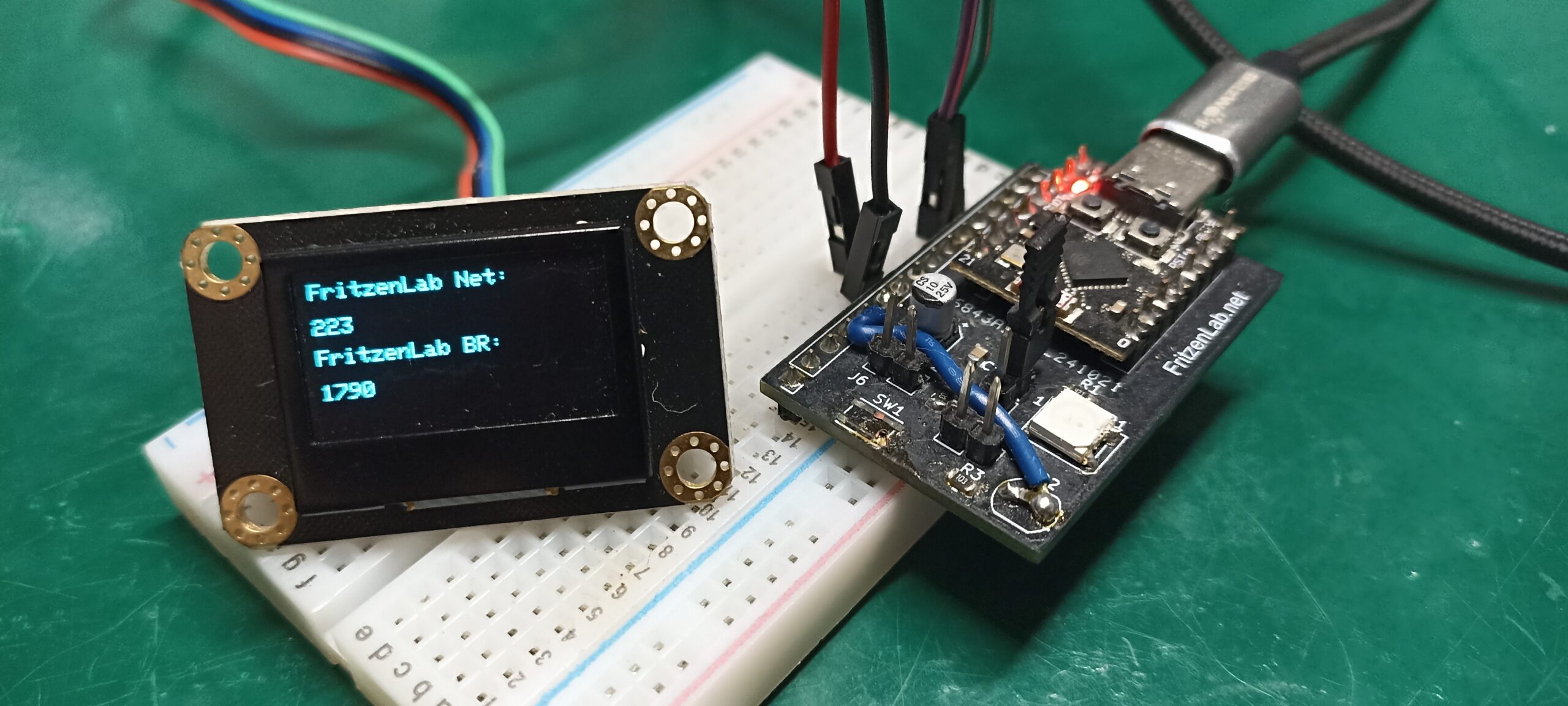
As the title of the article already says, all we need for this game is a single push button. We will be using an ESP32-C3 Super mini I made a circuit board for. This is since it already has pull-up resistors built in, so we do not need those externally in the building.
Of course for a game this simple you could use any other microcontroller, really. All you need is GPIO capability and timers. In our case I used micros() from Arduino to keep track of time. The usage of ESP32-C3 comes with bonuses, since you can yourself implement functions that use WiFi, internet into the game.
Schematic diagram is seen below. More information about the circuit board I made can be found here.

This is the way I assembled the circuit, on a 400-point breadboard. I used two male-male jumper wires for the job. Power supply comes via USB-C cable, via which the serial information also goes to the computer.
Firmware/code
All code shown below lives in this repository on Github. I created this code from scratch and ChatGPT helped me organize it. Notice that you do not need any special Arduino library to go with it. Just bare and simple raw code, making use of digital IO and timing via micros(). Notice that there is no delay() anywhere, since in a game like this the timing really matters.
#define button 9

// ---------- Timing ----------
const unsigned long timeout        = 2000000UL;  // 2 s
const unsigned long roundCooldown  = 400000UL;   // 400 ms

// ---------- State ----------
bool lastButtonState   = HIGH;   // INPUT_PULLUP
bool gameRunning       = false;
bool readyForNextRound = true;
bool waitForRelease    = false;

// ---------- Time stamps ----------
unsigned long lastPressTime = 0;
unsigned long nextRoundTime = 0;

void setup() {
  pinMode(button, INPUT_PULLUP);
  Serial.begin(115200);
}

void loop() {
  bool currentButtonState = digitalRead(button);
  unsigned long now = micros();

  // ---------- Wait until button is released ----------
  if (waitForRelease && currentButtonState == HIGH) {
    waitForRelease = false;
    readyForNextRound = false;   // cooldown must still expire
  }

  // ---------- Cooldown logic ----------
  // Waits a couple of miliseconds before initiating a new round
  if (!readyForNextRound &&
      !waitForRelease &&
      (now - nextRoundTime) >= roundCooldown) {
    readyForNextRound = true;
  }

  // ---------- Timeout ----------
  // This makes sure the game times out after 2 seconds of inactivity
  if (gameRunning && (now - lastPressTime) > timeout) {
    Serial.println("Game reset (timeout)");
    gameRunning = false;
    nextRoundTime = now;
    waitForRelease = true;
  }

  // ---------- Detect falling edge ----------
  // button was pressed and is not anymore
  if (lastButtonState == HIGH && currentButtonState == LOW) {

    // ----- First press: start round -----
    // Starts game
    if (!gameRunning && readyForNextRound) {
      gameRunning = true;
      lastPressTime = now;
      readyForNextRound = false;
      Serial.println("Start >>");
    }

    // ----- Second press: finish round -----
    // Here it is decided whether you won or lose after the second button press
    else if (gameRunning) {
      unsigned long delta = now - lastPressTime;

      // You only win if pressed the button between 0.95 and 1.05 seconds from the first press
      if (delta >= 950000UL && delta <= 1050000UL) {
        Serial.print("YOU WON: ");
        Serial.println(delta / 1000000.0);
      } // You lose if pressed the button between 0.5 and 0.95 seconds or over 1.05 seconds
      else if ((delta > 500000UL && delta < 950000UL) || delta > 1050000UL) {
        Serial.print("You lose: ");
        Serial.println(delta / 1000000.0);
      }
      // There is no prevision of pressing the button faster than 0.5 seconds
      // that prevents button bouncing from being detected as a new button press

      gameRunning = false;
      nextRoundTime = now;
      waitForRelease = true;
    }
  }

  lastButtonState = currentButtonState;
}
In terms of code complexity, all I am making use of are a bunch of IF() statements, no FOR(), no WHILE(), nothing really special. I do a bunch of sequential verifications, making sure I know the game state all the times.
This is where any microcontroller really shines, a structure like the one I am using. It is ful of very well defined and known states, at any give time. The deterministic nature of this systems actually helps its complexity go down.
You may have noticed that there is a “UL” after the number in microseconds, like in “1050000UL”. That indicates the number is an “Unsigned Long”. Pure convention but helps us achieve what we want.
Final result
Copy the code above and paste it into your Arduino IDE. I am using the 2.3.7 version of it, but even the online version will do the job, as long as it has the ESP32 support installed. Then hit to “upload” button (green arrow to the right, in the top left of the screen), and wait for the upload to the board.
Now all you have to do is start pressing the push button, after the first press you have up to two seconds to press it again. If not, game wil restart and you have to press for the first time again. Look at the video on the top of this article and enjoy the game.